Showing posts with label App of the Day. Show all posts

Android App of the Day - LiveSoccer - World Cup 2014

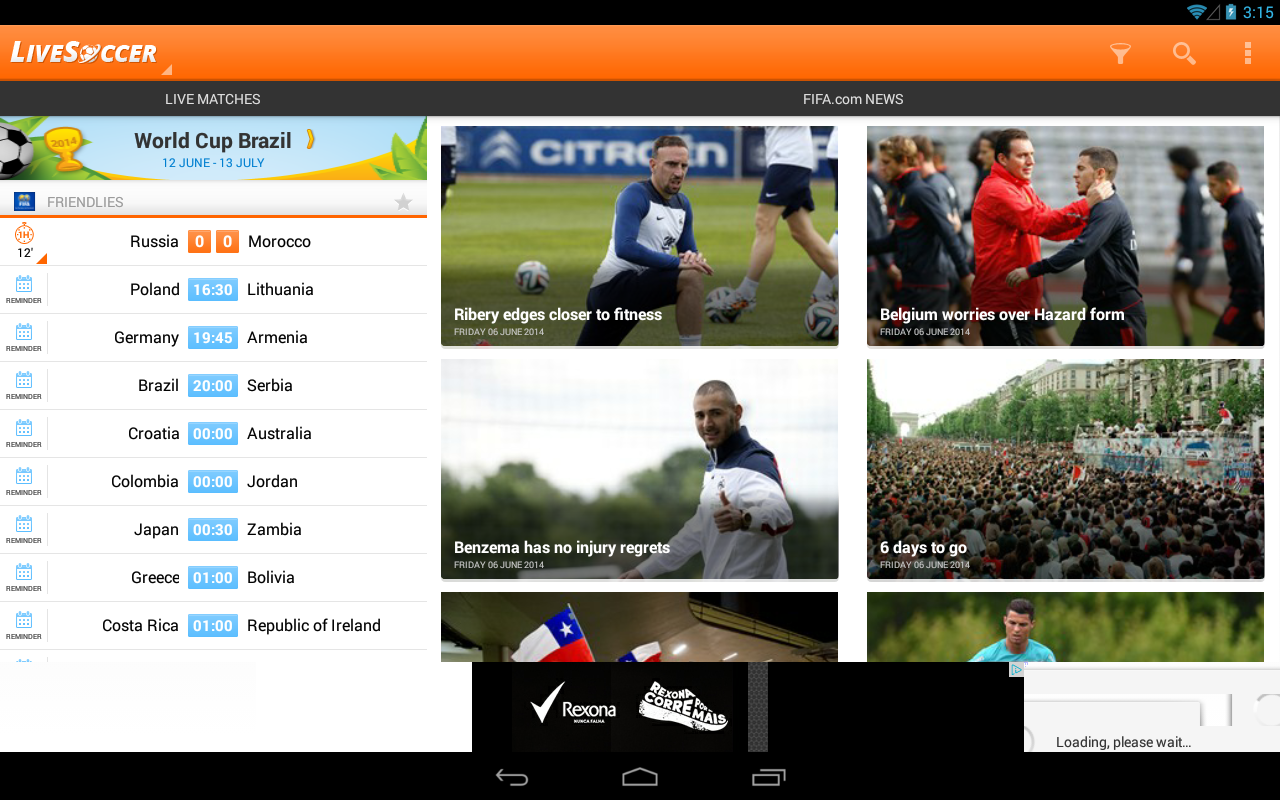
LiveSoccer - World Cup 2014 - screenshot


Description
LiveSoccer is a FREE football app that allows you to follow all the major worldwide football leagues (2014/2015) and the 2014 World Cup in Brazil, and get realtime notifications for your favourite teams in all competitions.
LiveSoccer has already conquered fans from all over the world:
“Good app, very accurate, up to date and sleek UI.”
“Per gli amanti del calcio è davvero una bellissima app.”
“Indispensável para os verdadeiros fãs de futebol.”
“5 sterren. Goede app”
With a rich User Interface, and designed with usability in mind, you’ll have live football at your hands.
Using LiveSoccer you can track live matches from more than 300 worldwide football leagues and the 2014 World Cup.

FEATURES:
• Track live matches from more than 300 worldwide football leagues and the 2014 Brazil World Cup
• Customizable Push Notifications of live events (goals, match final results, red/yellow cards, substitutions and more) for all teams
• Languages available: English, Portuguese, Spanish
• Text based live events and commentaries by professional journalists
• Match lineups, including players’ photos
• Head2Head match analysis
• Match statistics
• Customize favorite leagues in order to track them easily
• and much more!

Android App of the Day : Clean Master - Free Optimizer

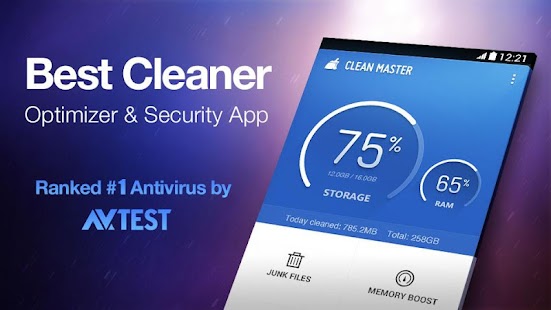
Clean Master - Free Optimizer - screenshot thumbnail

Review:

Clean Master reclaims Android device resources by cleaning caches, closing apps and processes, and deleting junk files, leftovers, and other unnecessary items. Kingsoft's app enhances your security and privacy by scanning for malware, cleaning logs and other records, and enabling real-time protection and safe browsing. Its App Manager can back up and uninstall applications. It does all that and then some for free.


Clean Master scanned our system when we opened it and displayed our free storage and RAM space on its home screen above four tools: Junk Files, Memory Boost, Security & Privacy, and App Manager. We opened the Settings, which include toggles for Notifications, Junk Reminders, Task Reminder, and more. Clean Master packs a lot of extras, including Fun Extras such as animations and seasonal events. We could also access more important features such as the Ignored List. We also suggest perusing the FAQ files, which serve as a manual to Clean Master's functions. Junk scans come in two types: Standard and Advanced. The Standard scan cleaned 94.8MB on the first pass. The Advanced scan identified nearly 2GB of potential space; but most of that was media files we wanted to keep. The Memory Boost tool analyzes running apps and processes and identified those we could close. Tapping any item let us stop an app directly or add it to the Ignored List; pressing and holding adds apps to the Ignored List, directly. One advantage of the App Manager is the ability to sort items by size, date, name, or frequency.
We're impressed by Clean Master's ability to keep unnecessary apps and processes from slowing your device and compromising its security -- and yours.


 Description


Simple, thorough, and safe, Clean Master is the world’s most downloaded Android optimization app designed to clean junk files, regain free storage, boost memory, enhance speed, and secure your device from malicious apps and vulnerabilities. Brought to you by Cheetah Mobile (formerly known as KS Mobile).
More than 200 million people worldwide use Clean Master to remove junk from their devices and to prevent malware infections. Clean Master improves performance by optimizing device memory, unclogging storage and offering security against viruses, trojans and malware. Developed by Cheetah Mobile, Clean Master is the world’s most reliable companion for Android devices!


Highlights of Clean Master - Optimization & Antivirus

☆ Thorough: The junk-creating behavior of millions of apps has been analyzed so that Clean Master can efficiently hone in on its targets (cache and residual files) with perfect accuracy.
☆ Fast & Intuitive: Simple to use, super-fast and smooth UI, plus cool transition effects
☆Ranked #1 by AV-TEST for the fifth time! , providing professional security protection. Scanning takes only 8 seconds, 500% faster than other paid antivirus apps.


Features of Clean Master- Optimization & Antivirus

► JUNK FILE CLEANING
Delete cache and residual files to reclaim memory and improve performance on your device and SD card.

► MEMORY BOOST
Boost all games and running apps, free up memory (RAM) and speed up your device. Our One-Tap Boost and Game Boost features make it easy to optimize directly from your homescreen.

► ANTIVIRUS
Scan the system, pre-installed and user-installed apps to keep your device safe from viruses, trojans, vulnerabilities, adware and spyware. Remove personal and sensitive information to protect your privacy.

► APP MANAGER
Uninstall unwanted apps or bloatware and back up important ones. Some rooted devices will be able to move apps to the SD card as well as uninstall pre-installed and system apps. Our own App Picks lets you find useful apps that match your interests.

--
Supported languages

Arabic, Bulgarian, Chinese, Croatian, Czech, Dutch, English, French, German, Greek, Hebrew, Hungarian, Indonesian, Italian, Japanese, Korean, Norwegian, Polish, Portuguese, Romanian, Russian, Serbian, Slovak, Spanish, Thai, Turkish, Ukrainian, Vietnamese, Hindi, Malay

Click Here to Install
Android App of the Day : Telegram Messenger

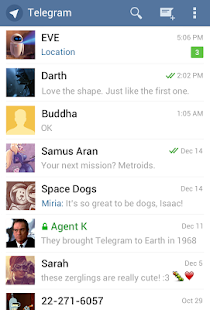
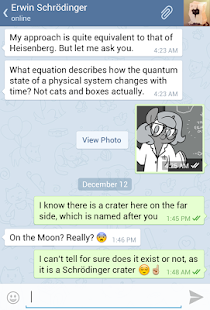
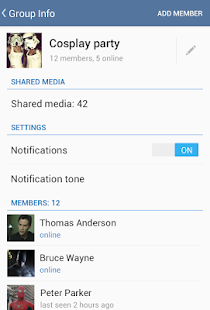
Telegram - screenshot thumbnailTelegram - screenshot thumbnailTelegram - screenshot thumbnail

Telegram is a messaging app with a focus on speed and security. It’s superfast, simple and free.
With Telegram, you can create group chats with up to 200 people so you can stay connected with everyone at once. Plus, you can share videos up to 1GB, send multiple photos from the web, and forward any media you receive in an instant. All your messages are in the cloud, so you can easily access them from any of your devices.

For those interested in maximum privacy, we've added Secret Chats, featuring end-to-end encryption to ensure that a message can only be read by its intended recipient. When it comes to Secret Chats, nothing is logged on our servers and you can automatically program the messages to self-destruct from both devices so there is never any record of it.

We built Telegram to make messaging safe again so you can take back your right to privacy.
Why Switch to Telegram?

FAST: Telegram is the fastest messaging app on the market because it uses a decentralized infrastructure with data centers positioned around the globe to connect people to the closest possible server.

SECURE: Security flaws in popular apps like WhatsApp have gotten a lot of bad press recently, so we made it our mission to provide the best security on the market.

CLOUD STORAGE: Never lose your data again! Telegram offers free unlimited cloud storage for all your Telegram messages and media that you can securely access from multiple devices.

GROUP CHAT & SHARING: With Telegram, you can form large group chats (up to 200 members), quickly share gigabyte size videos, and send all the photos you want to friends.

RELIABLE: Built to deliver your messages in the minimum bytes possible, Telegram is the most reliable messaging system ever made. It even works on the weakest mobile connections!
100% FREE & NO ADS: Telegram is free and will always be free. We do not plan to sell ads or introduce subscription fees.

Install It

Android App of the Day : Pushbullet

Quick Review : 
The Good Pushbullet transmits items from desktop PC to Android device, or Android to PC, quickly and reliably.
The Bad You can push links, notes, and more to friends, but there's no way to control who can or can't send items to you.
The Bottom Line Pushbullet is the easiest way to transfer files, links, notes, lists, and addresses between your desktop computer and your Android device.

Pushbullet - screenshot thumbnail
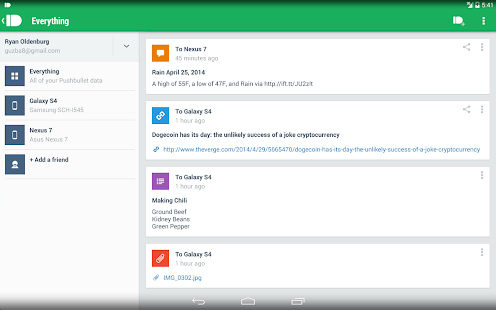
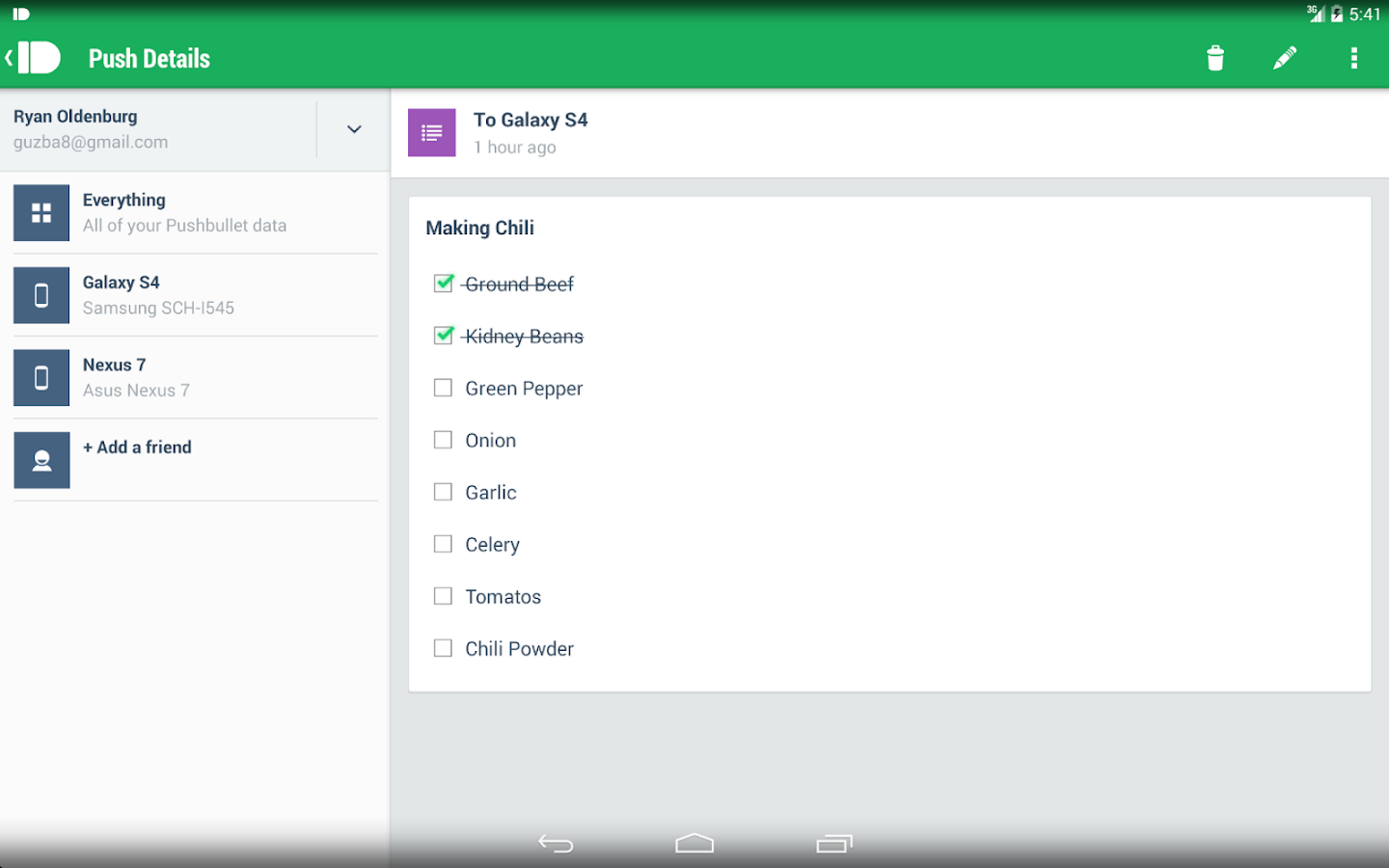
Pushbullet - screenshot

Description
Never miss another phone call or text message again while using your computer!
Pushbullet automatically shows you all of your phone's notifications right on your computer. This means you can see who's calling or read text messages even if your phone is on silent or in another room.

Pushbullet also makes it easy to send pictures, files, links, and more to your devices and even to friends.
Sending things with pushbullet is the easiest way to share things between your devices:
• Push a link to your phone by just right-clicking on it on your computer. You can then go right to the link by tapping on the notification.
• Send pictures and other files to your phone wirelessly from your computer and open them right from the notification. No more digging things out of your email inbox or Dropbox.
• Send any address over to your phone so you can get right into Google Maps instead of having to look it up again on your phone.
• Put a todo list right in your notification tray and check of items as you go.

 Click Here to Install